Quick answer: DigitalSignage.com runs free digital signage on a Raspberry Pi: install its player app on a Raspberry Pi 5 (4GB or 8GB), pair the Pi with your account and publish from the SignStudio web editor. A complete setup costs under $100 in hardware and $0 in software for your first 3 screens, which are free forever; additional screens are $3 per screen per month, with every screen billed once an account has 4 or more. Content is cached locally for offline playback.
Officially approved: SignPlayer for Raspberry Pi is a licensed Powered by Raspberry Pi product. Raspberry Pi Ltd accepted it into its Powered by Raspberry Pi programme in October 2026 and lists it in the digital signage section of its Powered by Raspberry Pi product catalogue.
 SignPlayer for Raspberry Pi is licensed to use the Powered by Raspberry Pi logo. Raspberry Pi is a trademark of Raspberry Pi Ltd.
Big screen impact from the tiniest computer.
Enterprise-grade digital signage for under $100.
The Raspberry Pi has revolutionized what's possible with small, affordable computing. Now, that same innovation powers your digital signage network. A complete Raspberry Pi signage setup costs less than a single commercial media player license from most vendors.
The DigitalSignage.com SignPlayer for Raspberry Pi brings the full power of our mediaCLOUD platform to this incredible little computer. Whether you're deploying a single screen in a coffee shop or rolling out hundreds of displays across a retail chain, Raspberry Pi delivers professional results at a fraction of the cost.
Transform any screen into a dynamic digital display with the credit card-sized powerhouse

The Raspberry Pi has become the go-to choice for digital signage professionals worldwide.
| Commercial Media Player | $300-$800 |
| Windows PC Setup | $400-$600 |
| Raspberry Pi Setup | Under $100 |
Save 60-85% on hardware costs
Running digital signage 24/7 requires more than just a player application. That's why every SignPlayer for Raspberry Pi includes our powerful SignService - a dedicated watchdog daemon that ensures your screens never go dark.
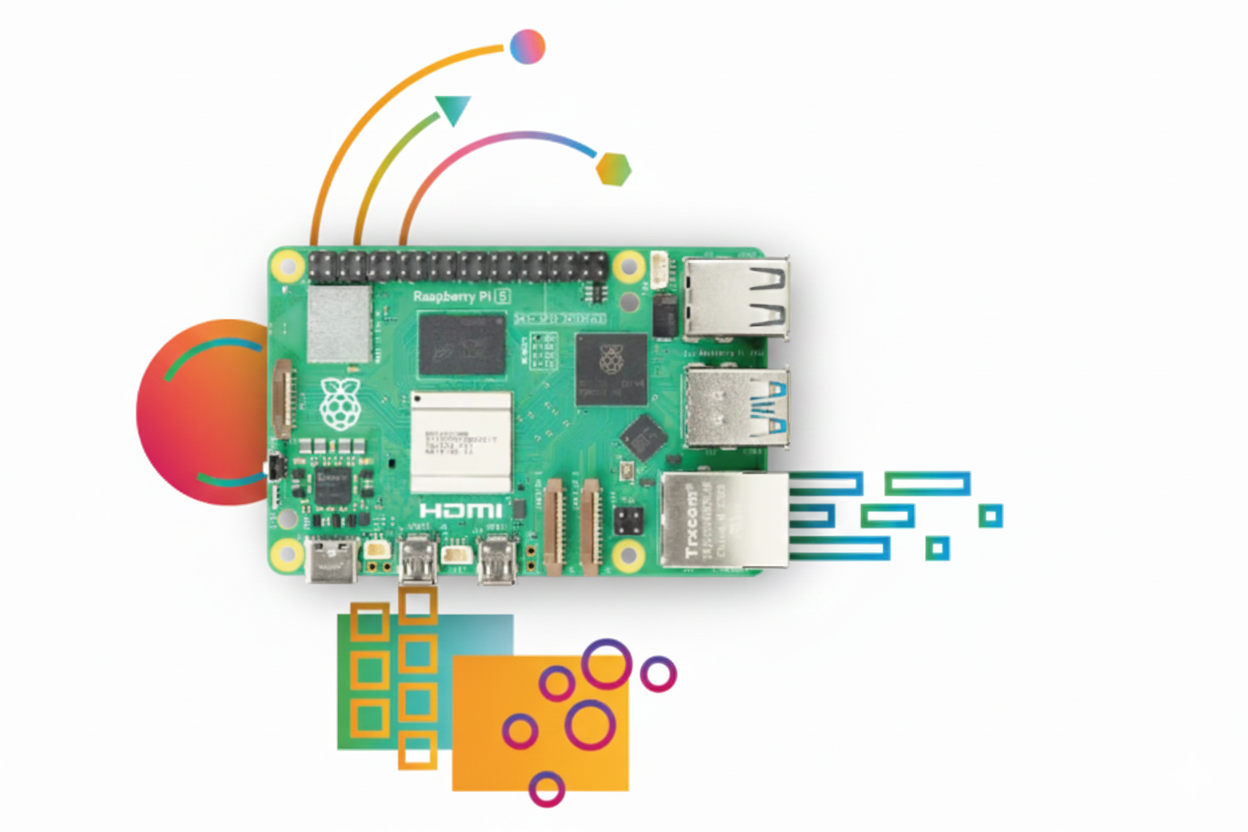
The SignPlayer is optimized for the latest Raspberry Pi 5
Perfect for: HD content, video walls, interactive kiosks, demanding applications
The compact size and low cost of Raspberry Pi makes it ideal for deployments where traditional PCs just don't fit
Set It and Forget It
Network outages happen. When they do, your signage shouldn't stop. The SignPlayer for Raspberry Pi includes robust offline capabilities:
Deploy in remote locations with confidence - your message will always reach your audience.
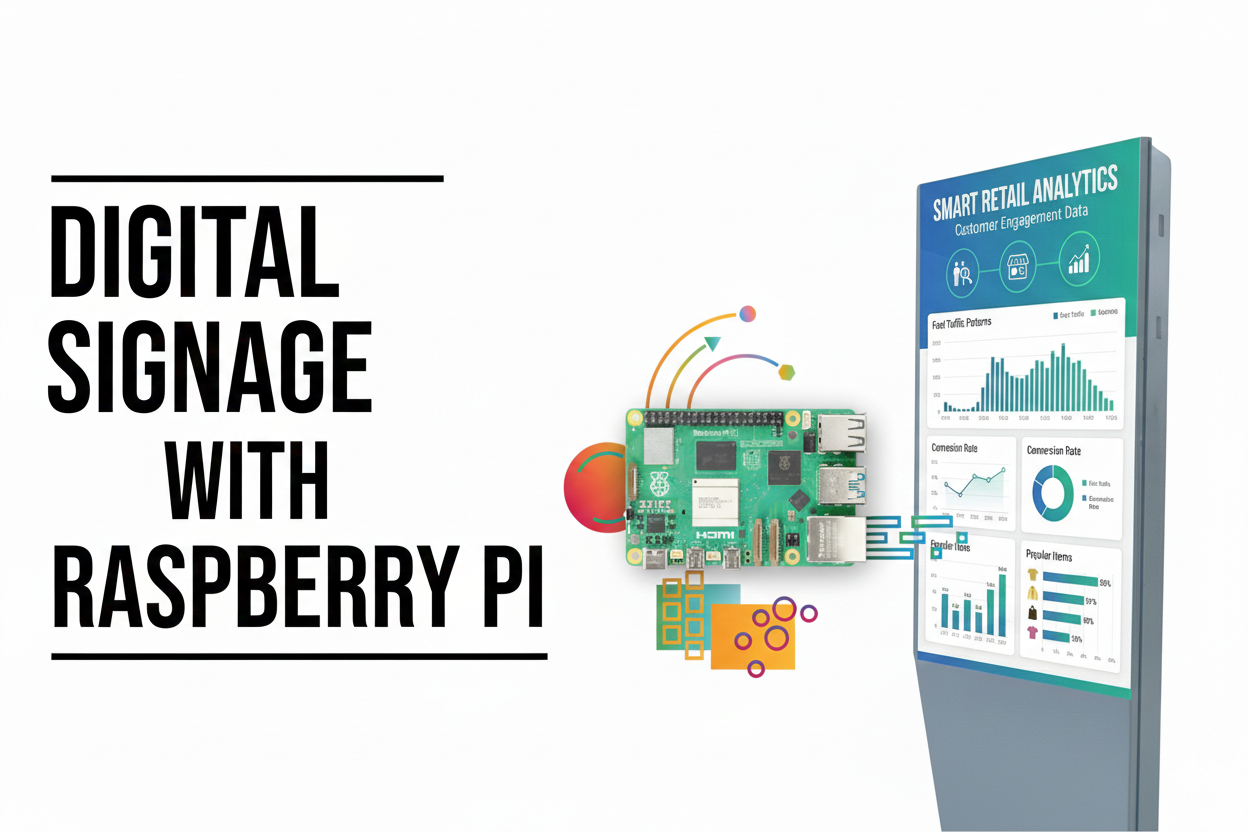
Don't let the size fool you. SignPlayer for Raspberry Pi delivers the complete DigitalSignage.com experience
Getting started with Raspberry Pi digital signage is simple. Here's your shopping list:

4GB or 8GB
$60-$80

32GB+ Class 10
$10-$20

Official USB-C adapter
$10-$15

With cooling
$10-$25
Then enjoy FREE digital signage forever!
Sign up FREE at SignStudio - no credit card required
Flash Raspberry Pi OS and download SignPlayer
Connect your Pi and watch your content play
Start with a single Pi for testing. Scale to thousands in production. The SignPlayer for Raspberry Pi connects to our powerful mediaCLOUD platform, giving you:
Whether you're a small business with 3 screens (FREE forever!) or an enterprise with thousands, Raspberry Pi + DigitalSignage.com scales with you.
Take your Raspberry Pi digital signage to the next level with IoT integration. Connect sensors, relays, and GPIO devices to create truly interactive and smart displays.
Connect physical devices to your digital signage
The Raspberry Pi SignPlayer is just one part of our comprehensive platform
Running signage on Raspberry Pi hardware? Compare platforms: the best digital signage software · top Yodeck alternatives (including reusing Yodeck Pi players).
Last updated September 7, 2026. About 30 minutes; hardware under $100; software free for your first 3 screens.
1. Create a free account. Sign up at DigitalSignage.com with no credit card. Your first 3 screens are free forever; build or pick a presentation in the SignStudio web editor.
2. Prepare the Raspberry Pi 5. Flash Raspberry Pi OS (64-bit) to a microSD card with Raspberry Pi Imager, boot the Pi 5 (4GB or 8GB), connect it to the network and to the screen over HDMI.
3. Install SignPlayer and the SignService watchdog. Download SignPlayer for Raspberry Pi from your account's Downloads page and run the installation script. It installs the player and SignService, the watchdog daemon that restarts the player, reboots the Pi remotely and reports health.
4. Pair the screen and publish. Sign in from the player to pair it with your account, assign the presentation in SignStudio and publish. Content is cached on the SD card or USB storage, so the screen keeps playing if the internet drops.
Prefer a purely open-source, Pi-only setup you host yourself? Anthias and PiSignage are compared honestly here; the trade-off is no central cloud dashboard and no mixed-hardware fleet.
Last updated September 7, 2026. Published by DigitalSignage.com (MediaSignage Inc., since 2006).
How do I run digital signage on a Raspberry Pi?
Create a free DigitalSignage.com account, flash Raspberry Pi OS onto a Raspberry Pi 5, install SignPlayer with its installation script (it brings the SignService watchdog with it), pair the Pi with your account and publish a presentation from the SignStudio web editor. The whole setup costs under $100 in hardware and $0 in software for your first 3 screens; additional screens are $3 per screen per month.
How much does Raspberry Pi digital signage cost?
A complete Raspberry Pi 5 setup costs under $100: the board ($60–$80), a microSD card ($10–$20) and a power supply ($10–$15), plus the screen you already own. Software on DigitalSignage.com is free for the first 3 screens and $3 per screen per month after that, versus about $8–$16 per screen on Yodeck, which is also built on Raspberry Pi hardware.
Which Raspberry Pi models are supported?
SignPlayer is optimized for the Raspberry Pi 5 with 4GB or 8GB of RAM: quad-core Cortex-A76, dual 4K displays at 60 Hz, hardware H.265 (HEVC) decoding, USB 3.0 and PCIe for NVMe storage.
Can a Raspberry Pi handle HD video for digital signage?
Yes. The Raspberry Pi 5 decodes H.265 (HEVC) in hardware (it has no H.264 hardware decoder, so encode video as H.265) and drives two displays at up to 4K 60 Hz, which covers menu boards, promotional video loops and most video-wall segments.
Does Raspberry Pi digital signage work offline?
Yes. All content is cached locally on the SD card or USB storage, presentations keep playing without internet, changes sync when connectivity returns, and air-gapped sites can be updated by USB.
How does DigitalSignage.com compare with Anthias or PiSignage on a Raspberry Pi?
Anthias (formerly Screenly OSE) is free open-source software you run on each Pi individually with no central cloud dashboard; PiSignage is a Pi-only service with 2 free players, then $35 per player in year one and $20 a year (about $1.67 a month). DigitalSignage.com is free for 3 screens then $3 per screen, manages every screen from one cloud dashboard, and the same account also runs Windows, Mac, Android, Chrome OS and iPad players, so a Pi network can mix hardware later.
Checkout live examples of Digital Signage presentations. The SignPlayer can run everywhere, on Android, Windows, Mac, iPad and even inside your web browser
View MoreFind out why people call us “the world’s most popular digital signage platform”
View More Help
Help
 Downloads
 Tutorials
 Login
Login Contact Us
 Cart
Cart