Lobby directories, tenant announcements, building notices, elevator-lobby screens, amenity and leasing promotions and wayfinding kiosks across a portfolio, managed from one account with a sub-account per building. The first 3 screens are free forever; a portfolio pays from $3 per screen per month.
First published September 6, 2026 · Last updated September 6, 2026
Tenant listings by floor and suite, updated the day a tenant moves in, on static screens or touch directories (mediaTOUCH).
Maintenance windows, fire-drill schedules, parking changes, holiday hours and amenity bookings, scheduled to appear and disappear on the right days.
Weather, news, transit times and building news that make the wait useful, dayparted for morning arrivals and evening departures.
Fitness centre, conference facilities, café and available-space promotions with QR codes to the leasing team.
Directions to suites, meeting rooms and services, and event-day layouts for tenant functions.
Push an evacuation instruction, severe-weather notice or systems alert to every screen in every building in seconds.
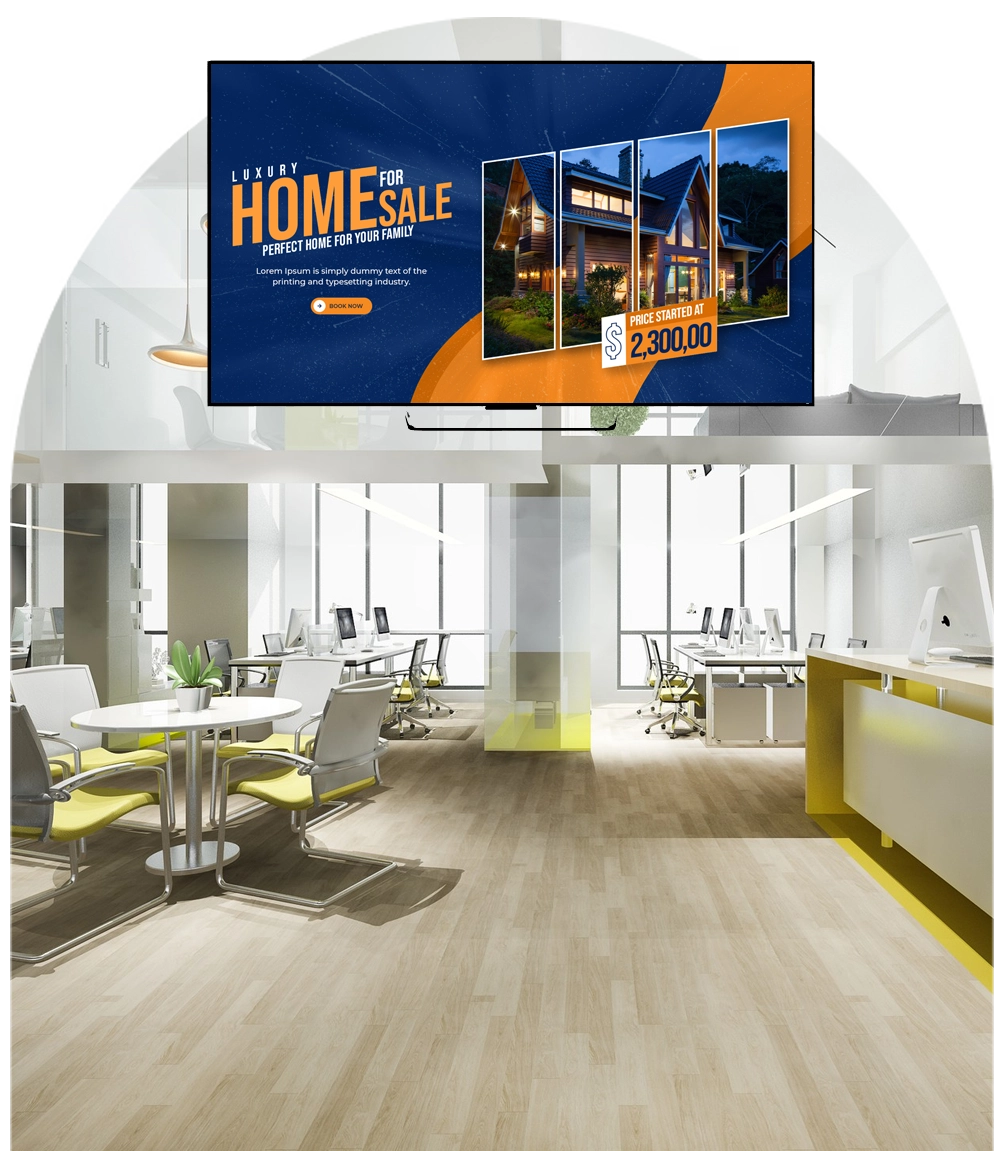
Portfolio-ready. One account, a sub-account per building, and the Enterprise SignDashboard to manage many properties from a single console; tenants can even be given a zone of their own.
It runs on hardware you already own. SignPlayer runs on Android sticks and Android TV, Chrome OS devices, Windows and Mac PCs, Raspberry Pi and iPads, and inside any browser, so a screen costs an existing TV plus a $30–$60 player. Watchdog restarts the player automatically for unattended 24/7 operation, and content keeps playing through internet outages from the local cache.
Every location gets its own keys. Sub-accounts and permissions let each site, department or franchisee manage only its own screens while head office keeps the master layouts, an instant emergency override and a dashboard of every player's status.
Content updates itself. Weather, news, RSS and social feeds, calendars, countdowns, QR codes, the charting component and any XML/JSON data feed refresh automatically; 180+ templates cover menus, promos, directories and lobby loops.
The price fits the budget. First 3 screens free forever; from $3/screen/month after that with volume pricing in the public calculator, versus $8–$16 on Yodeck, $10–$30 on OptiSigns or $20 on ScreenCloud. Enterprise adds touch directories, white-label branding and proof of play for advertising screens.
| Deployment | Screens | DigitalSignage.com | Yodeck Basic ($8) | OptiSigns Standard ($10) | ScreenCloud ($20) |
|---|---|---|---|---|---|
| Single building: lobby + elevator lobby + amenity floor | 3 | $0 (free tier) | $288 | $0 (3 free, branded) | $720 |
| Office tower | 12 | $432 | $1,152 | $1,440 | $2,880 |
| Business park | 40 | $1,440 | $3,840 | $4,800 | $9,600 |
| Regional portfolio | 200 | $7,200 | $19,200 | $24,000 | $48,000 |
DigitalSignage.com column is $0 up to 3 screens on the free plan; above 3 screens every screen is billed at the $3 Plus+ starting rate; dynamic volume pricing may quote lower, and Enterprise is priced in the public calculator. Competitor columns use each vendor's published entry-tier rate as of August 2026, apply their free tiers where the screen count qualifies, and exclude hardware. Full dataset: State of Digital Signage Pricing.
| Location | Display | Rule of thumb |
|---|---|---|
| Lobby directory | Commercial display, portrait; touch for directories (mediaTOUCH, Enterprise) | Attract loop after inactivity |
| Elevator lobbies | Any consumer TV or small commercial display | Consumer TV plus a $30–$60 player |
| Exterior or atrium glass | High-brightness commercial display | Consumer TVs wash out in daylight |
1. Create a free account (no credit card).
2. Plug an Android stick or Chromebox into the lobby screen and install SignPlayer and Watchdog.
3. Pick a directory template, enter tenants by floor and add this week's building notices and the weather widget.
4. Publish. Add the elevator-lobby and amenity screens the same way, still free; extend across the portfolio at $3/screen.
What digital signage should an office building use?
For most office buildings, business parks and malls: cloud-managed digital signage such as DigitalSignage.com on lobby and elevator-lobby screens, with a $30–$60 player behind each, directory and notice templates that property managers edit from a browser, and a sub-account per building. The first 3 screens are free forever and additional screens cost $3 per screen per month.
Can property managers update the tenant directory themselves?
Yes. Directories are editable templates in SignStudio; a manager changes a name or suite from any browser and the lobby screen updates within minutes.
Can we manage many buildings from one place?
Yes. One account with a sub-account per building, plus the Enterprise SignDashboard for large portfolios.
Can tenants get their own screen zone?
Yes. Permissions can give a tenant or an amenity operator control of one zone or one screen without access to the rest of the building.
How much does building digital signage cost?
Software on DigitalSignage.com: $0 for up to 3 screens, then $3 per screen per month, so a 40-screen business park is about $1,440 a year versus $3,840-$9,600 on Yodeck, OptiSigns or ScreenCloud. Hardware is an existing TV plus a $30–$60 player, or a commercial display for the main directory.
Yodeck, OptiSigns and ScreenCloud are trademarks of their respective owners; pricing cited from published price pages as of August 2026. Display brightness figures are general industry rules of thumb. Related: corporate communications · retail and malls · hospitality · touch kiosks · dashboards.
Checkout live examples of Digital Signage presentations. The SignPlayer can run everywhere, on Android, Windows, Mac, iPad and even inside your web browser
View MoreFind out why people call us “the world’s most popular digital signage platform”
View More Help
Help
 Downloads
 Tutorials
 Login
Login Contact Us
 Cart
Cart